Ninjala™ Tournament Statistics Creator
Click here for help
Loading...
Tournament Result Overview
How to use
Click on the blue dashed box and upload your screenshots. Your screenshots must be taken with the screenshot capturing feature of the Nintendo Switch or Nintendo Switch 2. Transfer your screenshots either with cable or Micro SD card. The Nintendo Switch App is not supported. A zip file must not contain folders.
There are two types of images, the website can recognize:
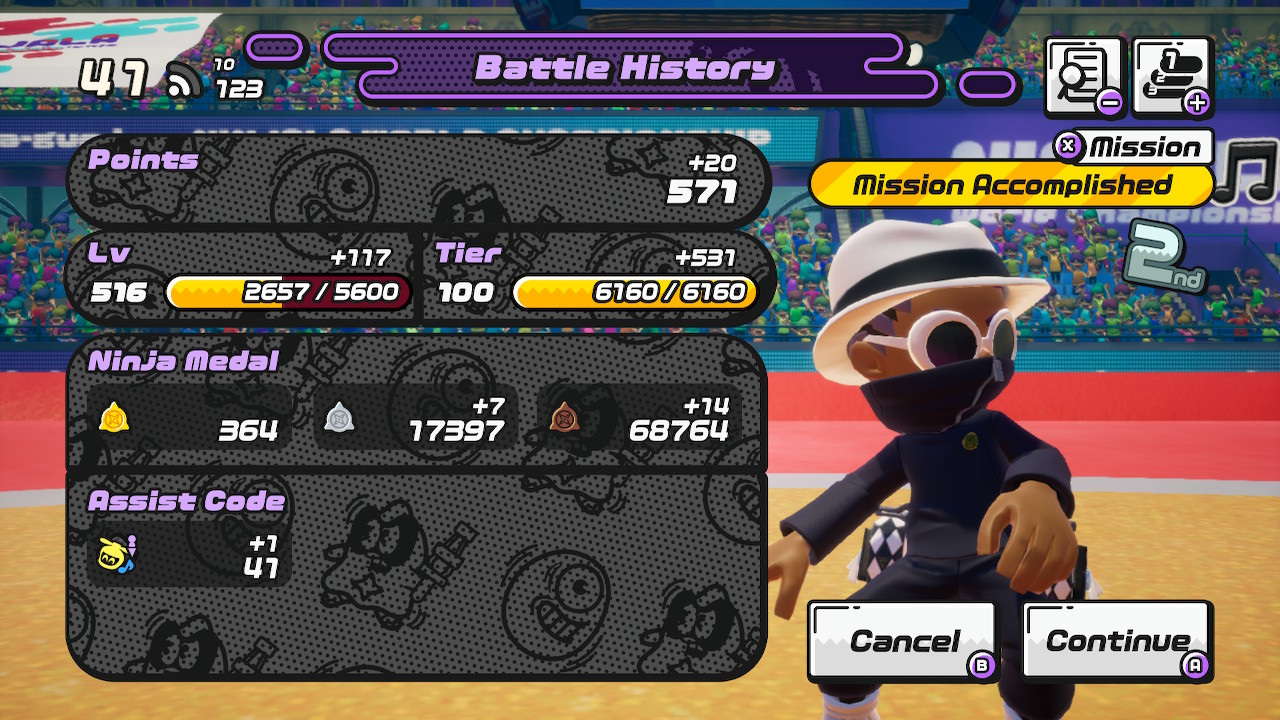
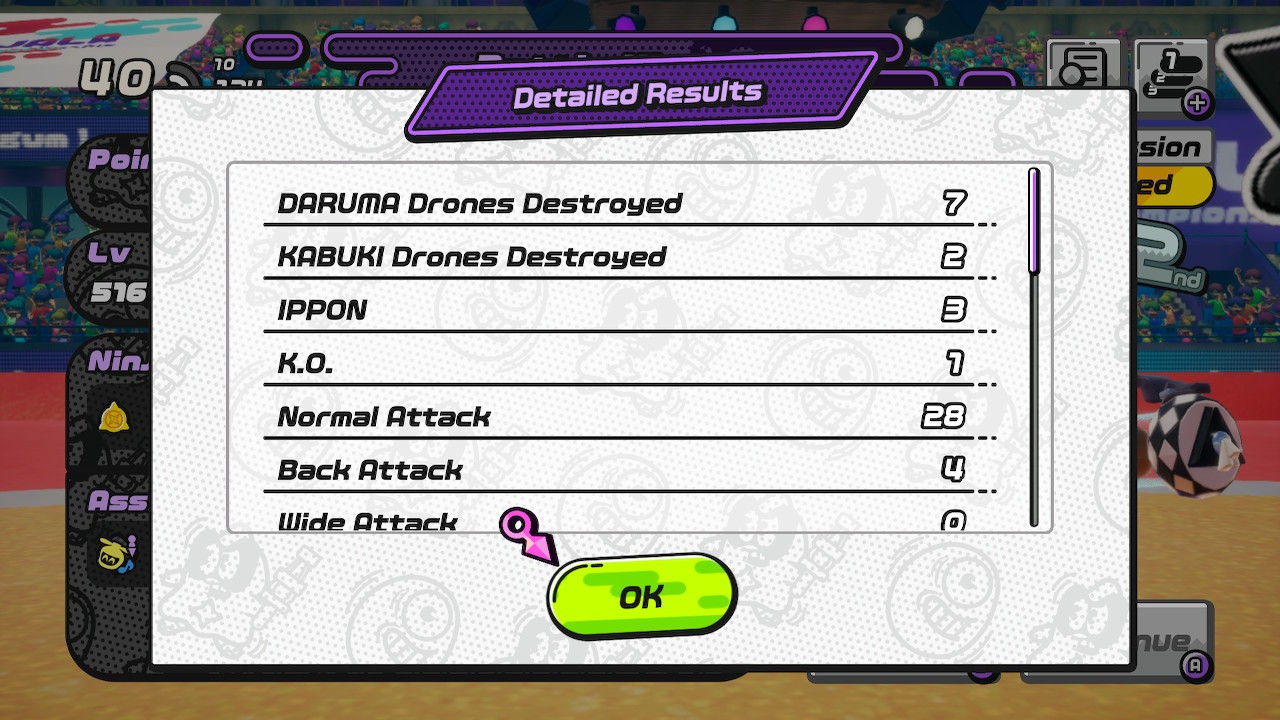
For the first image, the Battle History, watch out for the reward pop-up message. To be safe, take the screenshot after confirming the rewards.
For the second image, the Detailed Results, you must not scroll down. Take the screenshot right after pressing the (-) Button.
Make sure to capture the screenshots within the 60 seconds and before heading to the next match or back to the menu.
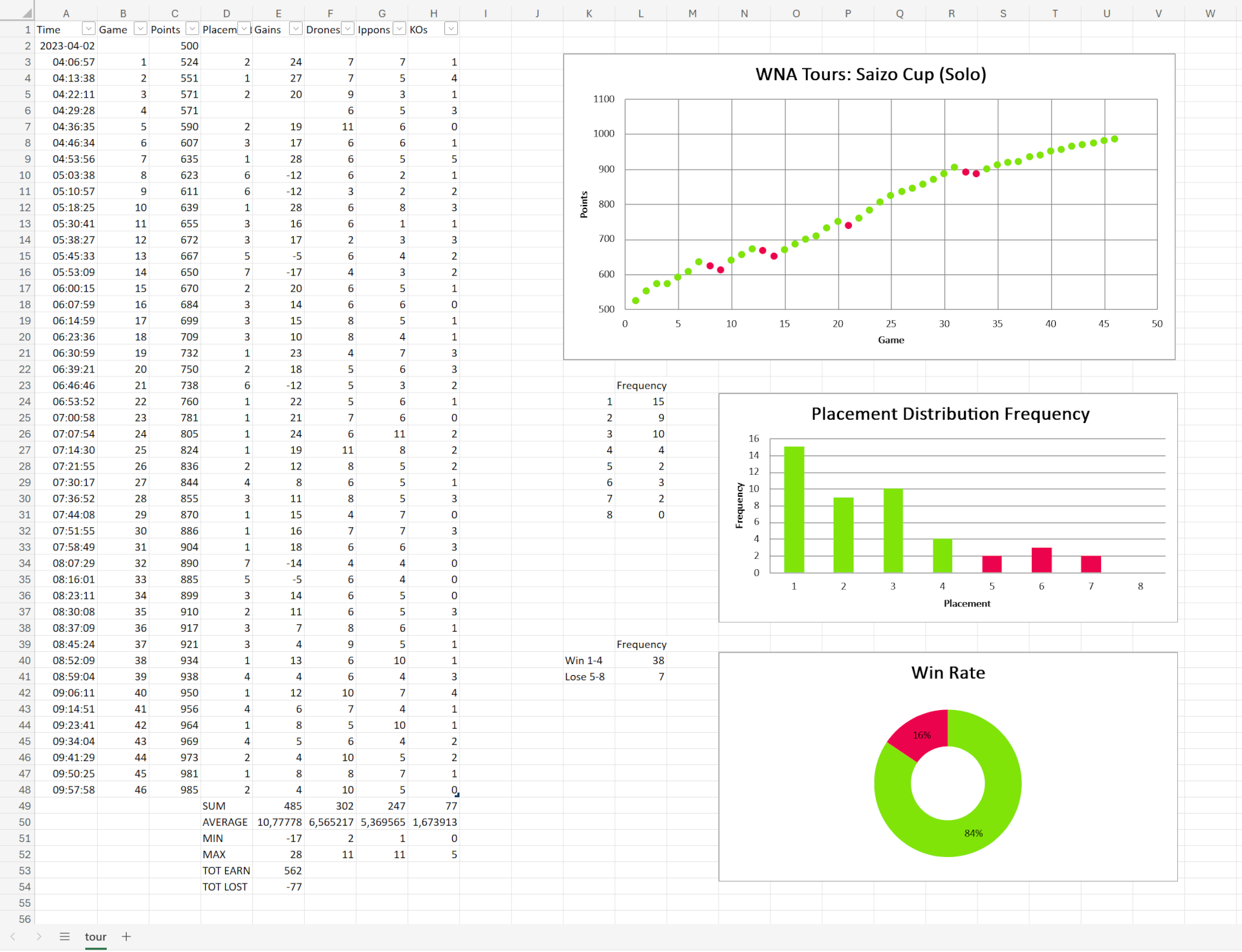
Add the tournament name and press the "Extract" button. Once it's done you can directly see your statistcs. You can also download the Excel file. This file is editable, so you can add more infos if you like. You can also import the file into Google Sheets or LibreOffice Calc. Here is an example:
About
You can find more info about this project on GitHub.